

🛒 Where to Buy: Featured Tech & PC Hardware
- reMarkable Paper Pro: View on Amazon
- Apple iPad Pro M4: View on Amazon
- reMarkable Paper Pro vs Apple iPad Pro M4: View on Amazon
Click any link above to check current pricing, availability, and customer reviews on Amazon.
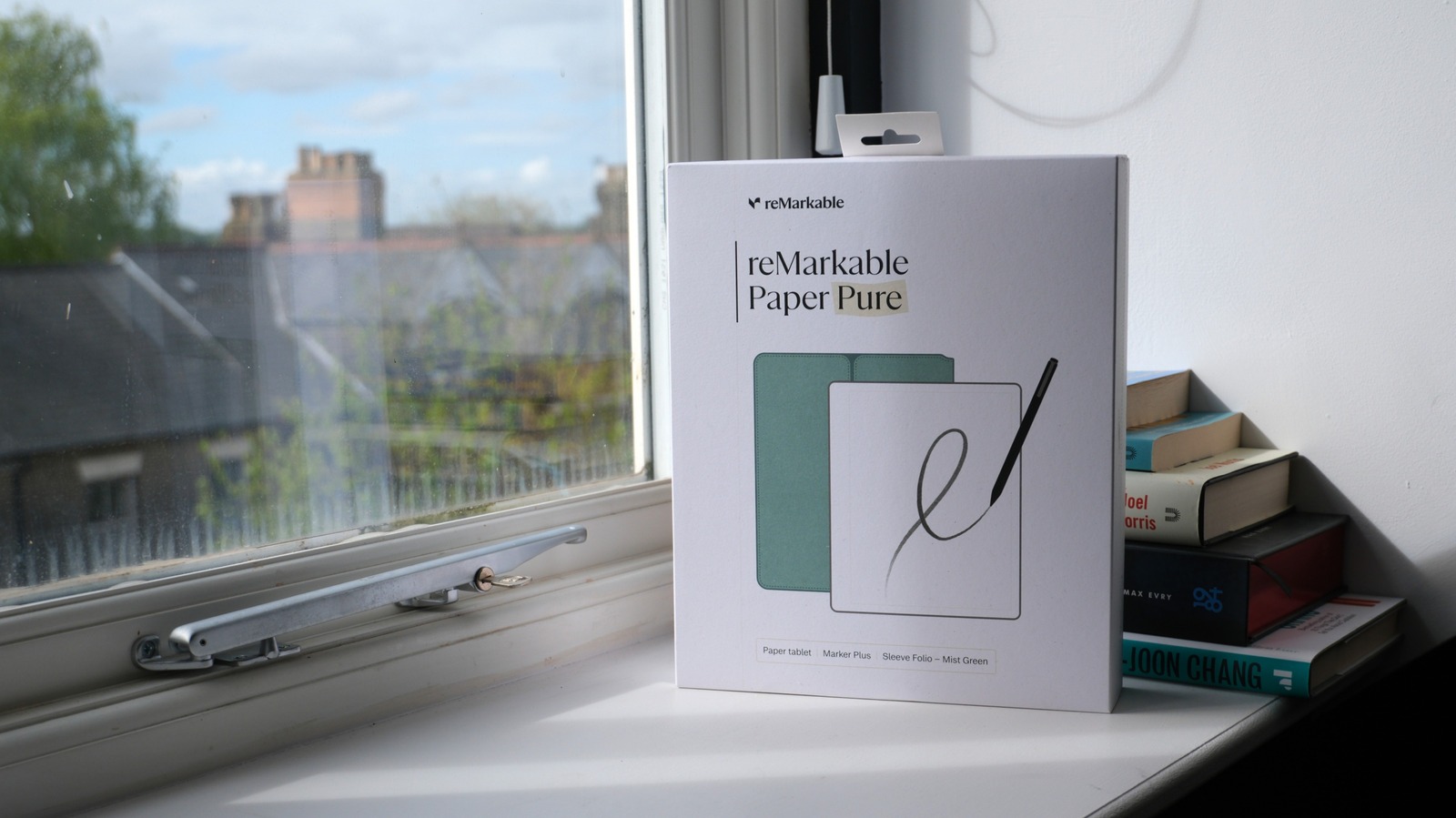
The reMarkable Paper Pro(based on technical reports from Engadget) is a dedicated digital writing tablet featuring an 11.8-inch Canvas Color display designed to mimic physical paper. Retailing for $579 USD, this device is built specifically for professionals, writers, and students who need distraction-free note-taking and document markup without the eye strain of emissive screens. On paper, it promises to replace your notebooks. In practice, the hardware reality is far more complicated. Many buyers struggle to choose between a specialized E Ink screen and a multi-use tablet. The choice comes down to your daily workflow. If you write or read for hours, E Ink offers clear physical benefits. If you need to watch video or browse the web, it fails completely. This analysis breaks down the real-world performance, hardware engineering, and practical trade-offs of choosing an E Ink device over a traditional tablet like the Apple iPad Pro M4.
Real-World Context and Practical Usability
E Ink displays look remarkably paper-like. They consume very little power and are more comfortable to use than conventional displays for long periods of time. Unlike the OLED or LCD displays on most of our other devices, a traditional E Ink display does not pack a built-in emissive light source that shoots light directly into your eyes. Instead, it relies on ambient light reflecting off its surface, much like physical paper. However, the reMarkable Paper Pro departs slightly from older monochrome models by integrating a custom front-light system. This front-light guides light across the top of the display panel rather than projecting it from behind. This engineering choice preserves the eye-friendly benefits of reflective technology while allowing you to work in low-light environments, representing a major step forward for usability in dark rooms or during late-night study sessions. Initial product disclosures and reporting were tracked via Engadget.
In contrast, the Apple iPad Pro M4($999 USD) is built around a stunning Tandem OLED display. This screen technology stacks two OLED panels on top of each other to achieve incredible brightness levels and deep, infinite contrast. While the M4 slate is an absolute marvel of modern display engineering, it remains an emissive screen. It fires light directly forward, which can lead to eye fatigue during prolonged reading sessions. When using these devices side-by-side in a bright office or outdoors under direct sunlight, the fundamental differences in their display philosophies become immediately apparent. The digital notepad shines in bright sunlight, where the reflective screen becomes clearer and more legible without causing glare. The premium iOS tablet, despite its high peak brightness of 1,600 nits, must fight against reflections and consumes significantly more battery power to remain readable in outdoor environments.
The Display Technology Battle: Canvas Color vs. Tandem OLED
To understand the real-world performance of these two devices, we must examine the underlying display technologies. The Canvas Color display on the reMarkable Paper Pro is based on advanced E Ink Gallery 3 technology. Unlike older color E Ink screens that use a color filter array on top of a monochrome screen-which often results in a dark, grid-like appearance and halved resolution-this newer panel uses cyan, magenta, yellow, and white pigments within each individual pixel. This allows the unit to render up to 20,000 colors at a full 229 pixels per inch (PPI) resolution. The colors are soft, desaturated, and highly reminiscent of newsprint or colored pencils. It is a beautiful, understated aesthetic that excels at highlighting PDFs, color-coding handwritten notes, and viewing simple charts.
However, this color technology comes with a significant trade-off in speed. Moving physical pigment particles inside a microcapsule takes time. When you write in color or turn a page on the E Ink tablet, you will notice a distinct visual transition. The screen undergoes a brief, multi-phased flash as the pigments arrange themselves into the correct color state. This refresh cycle is a physical limitation of the medium. It makes the device entirely unsuitable for animations, video playback, or rapid scrolling. The user interface is deliberately paced, encouraging a slower, more deliberate style of interaction.
The iPad Pro M4 operates on the opposite end of the performance spectrum. Its Ultra Retina XDR display features a 120Hz ProMotion refresh rate, offering instantaneous responsiveness. Scrolling through web pages, zooming in on high-resolution PDFs, and navigating the operating system is buttery smooth. The Tandem OLED panel displays millions of vibrant, true-to-life colors with perfect color accuracy, making it the superior choice for photo editing, graphic design, and media consumption. However, this high-performance display demands constant power, meaning the model cannot match the exceptional standby and active battery life of its E Ink competitor.
Detailed Specifications Comparison
To help visualize the technical differences between these two premium devices, the table below outlines their core hardware specifications:
Writing Feel and Stylus Ergonomics
For many users, the primary reason to purchase a dedicated writing tablet is the tactile experience of pen on paper. The the system excels in this department. The surface of the Canvas Color display is chemically treated to provide a subtle, textured friction when paired with the Marker or Marker Plus. Writing on this unit feels remarkably close to writing with a high-quality felt-tip pen on textured paper. There is a satisfying physical resistance and a quiet, acoustic scratch that accompanies every stroke. The passive electromagnetic resonance (EMR) technology means the stylus never requires charging, which is a massive convenience benefit over active styluses. The Marker Plus also features a dedicated eraser on the top end, allowing you to quickly flip the pen over to rub out mistakes naturally.
The engineering team has reduced the latency on the Paper Pro to approximately 12 milliseconds. While this is a massive improvement over older E Ink models, the physical movement of the color pigments can sometimes create a slight visual delay when drawing fast, sweeping lines in color. The ink appears to flow just a fraction of a millimeter behind the physical pen tip. For standard note-taking and printing, however, this latency is virtually imperceptible, and the overall writing experience remains the most natural and satisfying on the market.
The iPad Pro M4, when paired with the Apple Pencil Pro, offers a highly responsive but fundamentally different writing experience. Writing on the standard glass screen of the M4 slate feels slick and slippery. The hard plastic tip of the Apple Pencil Pro glides across the glass with very little resistance, which can make neat handwriting more difficult to maintain. While you can purchase matte screen protectors to add friction, these accessories often degrade the clarity and vibrant colors of the Tandem OLED display. On the positive side, the Apple Pencil Pro is packed with advanced technology, including haptic feedback, a squeeze sensor, barrel roll detection, and ultra-low latency that makes the digital ink feel as though it is pouring directly out of the physical tip. It is an incredibly powerful tool for digital artists and illustrators who require precise pressure sensitivity and tilt control, but it lacks the organic, tactile comfort of the E Ink alternative for pure writing.
Software Platform and Workflow Integration
The software philosophies of these two devices could not be more different. The the software runs on a customized, lightweight Linux-based operating system designed entirely around simplicity and focus. There are no app stores, no social media notifications, no email clients, and no web browsers to distract you from your work. The interface is clean and minimalist, consisting of folders, notebooks, and simple PDF or ePub documents. You can easily import documents using the companion desktop or mobile apps, and the device syncs your notes seamlessly to cloud services like Google Drive, OneDrive, and Dropbox. The software is built to help you think, draft, and review without the constant digital noise of the modern internet.
This extreme focus is the device’s greatest strength, but it is also its most significant limitation. If your workflow requires you to quickly jump between a Slack channel, a web browser, a spreadsheet, and a word processor, the digital notepad will feel incredibly restrictive. It cannot run specialized applications, it does not support split-screen multitasking with active web pages, and its PDF rendering, while excellent for reading and markup, can feel slow when navigating massive, image-heavy documents with hundreds of pages.
The iPad Pro M4 is a full-fledged computing powerhouse running iPadOS. It can handle almost any task you throw at it, from editing 4K video in LumaFusion to running complex database applications. With Stage Manager, you can connect the unit to an external monitor and run multiple overlapping windows, transforming the tablet into a highly capable laptop replacement when paired with the Magic Keyboard. The software platform is vast, offering access to millions of apps on the App Store, including professional creative suites like Procreate, Adobe Photoshop, and Logic Pro. However, this versatility comes at the cost of focus. The constant barrage of notifications, emails, and the temptation to browse the web or watch videos can make deep, uninterrupted work difficult to sustain on the iOS device.
Performance, Battery Life, and Longevity
When it comes to raw processing power, the comparison is heavily lopsided. The iPad Pro M4 features Apple’s latest 3-nanometer system-on-a-chip, which outperforms many desktop computers. It handles complex rendering, machine learning tasks, and high-end gaming without breaking a sweat. The hardware is incredibly future-proof, ensuring that the model will receive software updates and run demanding applications smoothly for many years to come. However, all of this processing power requires a substantial amount of energy. Under active use, the M4 slate will last around 10 hours before needing to be plugged into a wall outlet, meaning you must charge it daily if you use it as your primary work device.
The the technology is powered by a modest quad-core ARM processor optimized for low power consumption. It does not need massive processing power because its software tasks are highly specialized. This efficiency translates directly into exceptional battery life. Depending on how often you use the front-light and how many color refreshes the screen performs, the unit can easily last up to two weeks on a single charge. This long-lasting battery life completely changes how you interact with the device. You can throw it in your bag for a weekend trip or a week of lectures without ever worrying about bringing a charger or finding a power outlet. It is always ready to write, behaving much more like a traditional paper notebook in terms of reliability and availability.
Value Proposition and Target Audience
Choosing between these two premium tablets requires a careful assessment of your daily habits and professional needs. The the platform is a highly specialized tool designed for a specific audience. If you are a writer, researcher, editor, or student who spends hours reading long documents, drafting manuscripts, or taking detailed handwritten notes, the E Ink tablet is an investment in your productivity and eye health. It removes the distractions of the digital world and provides a tactile, paper-like experience that encourages deep focus. However, at $579 USD before adding the cost of a Marker and a protective folio, it is an expensive luxury that does not attempt to replace your computer or smartphone.
The Apple iPad Pro M4 is a versatile, do-it-all device that can serve as a tablet, a creative canvas, and a laptop replacement. It is the ideal choice for digital artists, video editors, students who need to access online learning portals, and anyone who wants a single device for both work and entertainment. While it is significantly more expensive than the E Ink notepad-especially when configured with the Apple Pencil Pro and Magic Keyboard-it offers a level of utility and performance that justifies its premium price tag for users who need a complete digital workstation. Ultimately, the decision is not about which device has the better specifications, but rather about which hardware philosophy aligns with how you want to spend your time: immersed in a focused, distraction-free environment, or connected to the fast-paced, high-performance world of modern computing.