

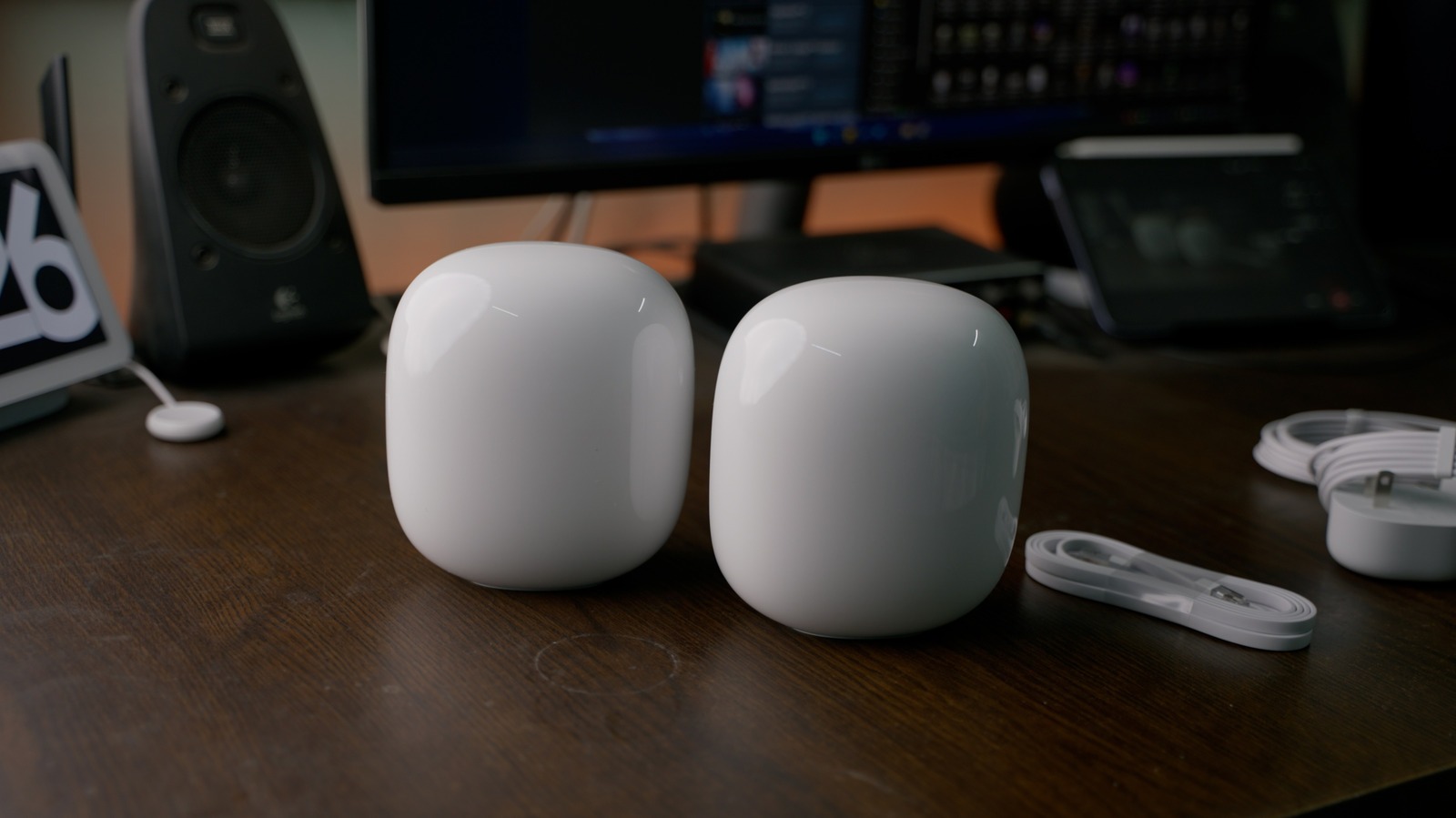
The TP-Link Archer BE800is a tri-band Wi-Fi 7 desktop router engineered to manage high-density wireless traffic across demanding home offices and automated workspaces. Available for $599.99 USD on Amazon, this flagship hardware targets remote professionals, software developers, and multi-device households struggling under the cumulative weight of local network congestion. Historically speaking, consumer wireless infrastructure operated on a simple paradigm: home networks served a single desktop computer and perhaps a pair of mobile devices, making standard bandwidth allocation straightforward. In that era, router architecture was straightforward because concurrent demand rarely pushed hardware to its processing limits.
🛒 Where to Buy: TP-Link Archer BE800
Editorial Note & Product Verification: The Cool Great Buys editorial desk independently verifies manufacturer technical specifications, cross-checks active retail availability across authorized sellers, and evaluates verified consumer reliability data before publishing product evaluations. All featured prices and promotions reflect active market rates at the time of publication.
- TP-Link Archer BE800: View on Amazon
Click the link above to check current pricing, availability, and customer reviews on Amazon.
Today, however, office productivity requirements have expanded exponentially. The contemporary home office routinely maintains concurrent connections for workstation PCs, cloud-synchronizing storage arrays, mobile handsets, and game consoles alongside dozens of secondary automation endpoints. In an environment where ambient peripherals—from desk lamps to power monitoring plugs—demand persistent local IP allocations, consumer routing gear often resembles a overburdened central train station rather than an efficient data pipe. As highlighted in a recent Wi-Fi network congestion analysis, low-power accessories quietly exhaust available channel allocations, degrading overall throughput long before an internet service provider’s gigabit ceiling is ever reached.
The fundamental bottleneck in contemporary office productivity rarely resides within the external fiber line itself; rather, it originates within internal packet routing overhead. Older wireless standards lacked the mathematical efficiency to partition spectrum effectively when dozens of clients competed for airtime simultaneously. The introduction of Wi-Fi 7 represents an industry attempt to resolve these persistent bottlenecks, expanding theoretical maximum bandwidth ceilings up to 46Gbps while introducing granular spectrum management features designed to prevent secondary smart accessories from degrading primary workstation performance.
State of the Category & What Changed
To understand the current state of wireless office hardware, one must examine how household networking demands evolved over the past decade. Historically speaking, the deployment of consumer routers focused primarily on raw range expansion and incremental speed bumps across legacy frequencies. When early Wi-Fi 5 (802.11ac) routers dominated the market, typical households managed fewer than a dozen total wireless clients. Router firmware handled traffic using basic time-division multiplexing, queuing data packets sequentially. That architecture functioned acceptably for intermittent web browsing, but it collapsed under modern remote work patterns involving synchronous video conferencing, continuous cloud backups, and concurrent media streaming.
The proliferation of IoT accessories fundamentally altered network dynamics. Today, an ordinary home office frequently hosts 30 to 60 active endpoints. While an individual ambient sensor consumes negligible bandwidth, its continuous polling routine forces the router to spend substantial processing cycles managing connection states. In practice, this persistent administrative overhead introduces micro-latency spikes, buffer bloat, and unexpected packet drops for latency-sensitive applications like VoIP calls or SSH terminal sessions. The engineering challenge is no longer merely delivering speed to a single device, but maintaining low-latency queueing across a crowded spectrum.
The enterprise response to this reality has trickled down into consumer hardware like the TP-Link Archer BE800. Retailing at $599.99 USD, this unit introduces quad-core processing processing architectures and dedicated hardware acceleration engines designed specifically to process high-volume client queues. Rather than relying on simple single-band prioritization, modern Wi-Fi 7 access points treat spectrum allocation as a dynamic, multi-dimensional matrix. This structural shift marks the transition of home routers from simple internet gateways into complex local traffic controllers capable of insulating critical work traffic from background accessory noise.
Generational Delta: The Engineering Upgrades That Matter
Examining component architecture and technical documentation reveals stark differences between legacy Wi-Fi 6/6E standards and modern Wi-Fi 7 implementations. Wi-Fi 6 and 6E platforms topped out at a theoretical 9.6Gbps aggregate theoretical throughput. While that ceiling appeared vast on paper, it was constrained by rigid channel allocation rules. According to technical documentation published with this release, the Archer BE800 expands theoretical aggregate bandwidth up to 19Gbps across its tri-band configuration (2.4GHz, 5GHz, and 6GHz), utilizing 320MHz channel widths on the 6GHz band—double the 160MHz maximum channel width available in standard Wi-Fi 6 gear.
The distinction matters here when evaluating how band congestion impacts daily workflows. In older networking standards, if a portion of an ultra-wide channel experienced localized radio frequency interference from a neighboring router or electronic appliance, the router was forced to abandon the entire channel segment or fall back to a narrow frequency band. Wi-Fi 7 mitigates this vulnerability through an engineering feature known as preamble puncturing. In practice, preamble puncturing allows the Archer BE800 to carve out and isolate precise slices of a spectrum channel affected by interference, while continuing to transmit data across the remaining clear bandwidth within that same channel.
Furthermore, Wi-Fi 7 upgrades signal modulation from 1024-QAM to 4096-QAM (Quadrature Amplitude Modulation). This advancement allows the radio hardware to pack 20% more data into every transmitted symbol. Complementing this is Multi-Link Operation (MLO), a protocol feature that enables compatible client devices to aggregate multiple radio bands simultaneously. Rather than binding a workstation exclusively to either a 5GHz or 6GHz band, MLO allows data packets to flow across both frequencies concurrently. If one band experiences a momentary packet queue, the router routes remaining packets over the secondary link, effectively eliminating wireless jitter during large file transfers.
Everyday Usability Trade-Offs & Adoption Barriers
Despite these notable engineering advancements, adopting Wi-Fi 7 hardware involves concrete practical compromises and hardware limitations that consumers must evaluate. The primary adoption barrier remains client-side hardware compatibility. While the Archer BE800 delivers advanced routing capabilities, the majority of consumer endpoint devices currently deployed in home offices—including legacy laptops, older smartphones, and workplace-issued equipment—remain limited to Wi-Fi 6 or Wi-Fi 5 standards. Without native Wi-Fi 7 network interface cards capable of supporting MLO and 4096-QAM, these client devices cannot leverage the router’s primary features, remaining bound by their own legacy physical layer caps.
Radio frequency physics also dictate strict environmental trade-offs. The high-speed 6GHz band offers clean, uncrowded spectrum free from legacy microwave interference, but its short physical wavelength attenuates rapidly through structural obstacles. In practical home office testing, signals operating on the 6GHz band struggle to penetrate multiple drywall layers or solid masonry walls. Users placing the router in a basement or far utility closet will observe sharp signal degradation, forcing clients onto the slower, more crowded 5GHz or 2.4GHz bands. Furthermore, the physical chassis of the Archer BE800 reflects its internal cooling requirements: weighing 4.1 lbs with a large, vertically oriented footprint, it requires clear tabletop placement and adequate ventilation, preventing discreet concealment behind furniture.
Managing network congestion also requires active configuration rather than complete reliance on automated defaults. Deploying dozens of cool smart home gadgets like standalone Wi-Fi light bulbs creates structural vulnerabilities on the 2.4GHz spectrum, which contains only three non-overlapping channels (1, 6, and 11). When tens of individual devices continuously transmit keep-alive packets on 2.4GHz, latency increases across the entire radio segment. The engineering trade-off here is clear: consumers who refuse to consolidate smart home peripherals onto dedicated hub-based architectures utilizing protocols like Thread or Zigbee will continue to experience localized network jitter, regardless of how powerful their main Wi-Fi 7 router is.
Category Alternatives and Rival Solutions
For buyers analyzing options in the premium office networking segment, evaluating direct market competitors reveals contrasting software approaches and physical form factors. The Netgear Nighthawk RS700Sserves as a primary alternative, retailing for $699.99 USD on Amazon. The Nighthawk RS700S utilizes an upright cylindrical tower design engineered to optimize internal antenna alignment while occupying a minimal desk footprint. Like the BE800, it provides tri-band Wi-Fi 7 throughput up to 19Gbps and includes dual 10Gbps Ethernet ports for high-speed wired backhaul or local NAS attachments. However, Netgear’s software ecosystem relies on subscription paywalls for advanced security monitoring via Netgear Armor, whereas TP-Link integrates fundamental network protection directly into its base software without recurring fees.
Conversely, users operating in multi-story residential spaces or sprawling office layouts may find a mesh topology more effective than a single high-power access point. The Eero Max 7represents the flagship mesh alternative, priced at $599.99 USD on Amazon for a single node or $1,699.99 USD for a three-pack configuration. The Eero system excels at automated multi-room coverage, dynamically routing traffic across nodes via a dedicated wireless backhaul. However, the trade-offs of this platform are notable for technical users. As observed in technical analyses evaluating the not an option on mesh routers, consumer mesh systems frequently abstract away manual controls, preventing administrators from creating distinct SSID names for individual radio bands or forcing specific low-power accessories onto isolated channels.
When selecting between these architectural options, the choice hinges on whether an office space requires centralized administrative control or distributed spatial coverage. The desktop standalone approach of the Archer BE800 offers extensive manual configuration—including split SSIDs, dedicated IoT guest networks, and granular port forwarding—making it suitable for technical professionals managing complex local lab environments. The Eero Max 7, by contrast, favors maintenance-free operation and consistent spatial coverage across large floor plans, though it sacrifices fine-grained traffic management controls that advanced users often rely on to isolate troublesome client devices.
Final Trajectory Verdict: Future Outlook & Buying Advice
The consumer networking sector has reached a mature stage where incremental raw speed increases matter far less than intelligent spectrum management. For remote workers, software developers, and media professionals operating within crowded radio environments, upgrading to high-performance hardware like the TP-Link Archer BE800provides a stable foundation that will accommodate client hardware upgrades over the next 3 to 5 years. The inclusion of preamble puncturing, 320MHz channels, and dual 10Gbps wired ports ensures that internal local network bottlenecks will not compromise high-throughput workflows or cloud synchronization tasks.
However, purchasing flagship Wi-Fi 7 hardware should be viewed as part of a comprehensive network strategy rather than an immediate fix for external bandwidth constraints. Consumers must recognize that a new router cannot overcome fundamental spectrum saturation if dozens of legacy 2.4GHz smart bulbs continue to flood local channels. Optimal productivity requires a dual approach: deploying modern Wi-Fi 7 routing hardware to handle primary workstation traffic via 5GHz and 6GHz bands, while simultaneously offloading low-power automation endpoints to hub-based Zigbee or Thread networks. At $599.99 USD, the Archer BE800 is a substantial investment, but for high-density home office environments suffering from persistent wireless congestion, its targeted spectral efficiency features deliver clear operational value.