

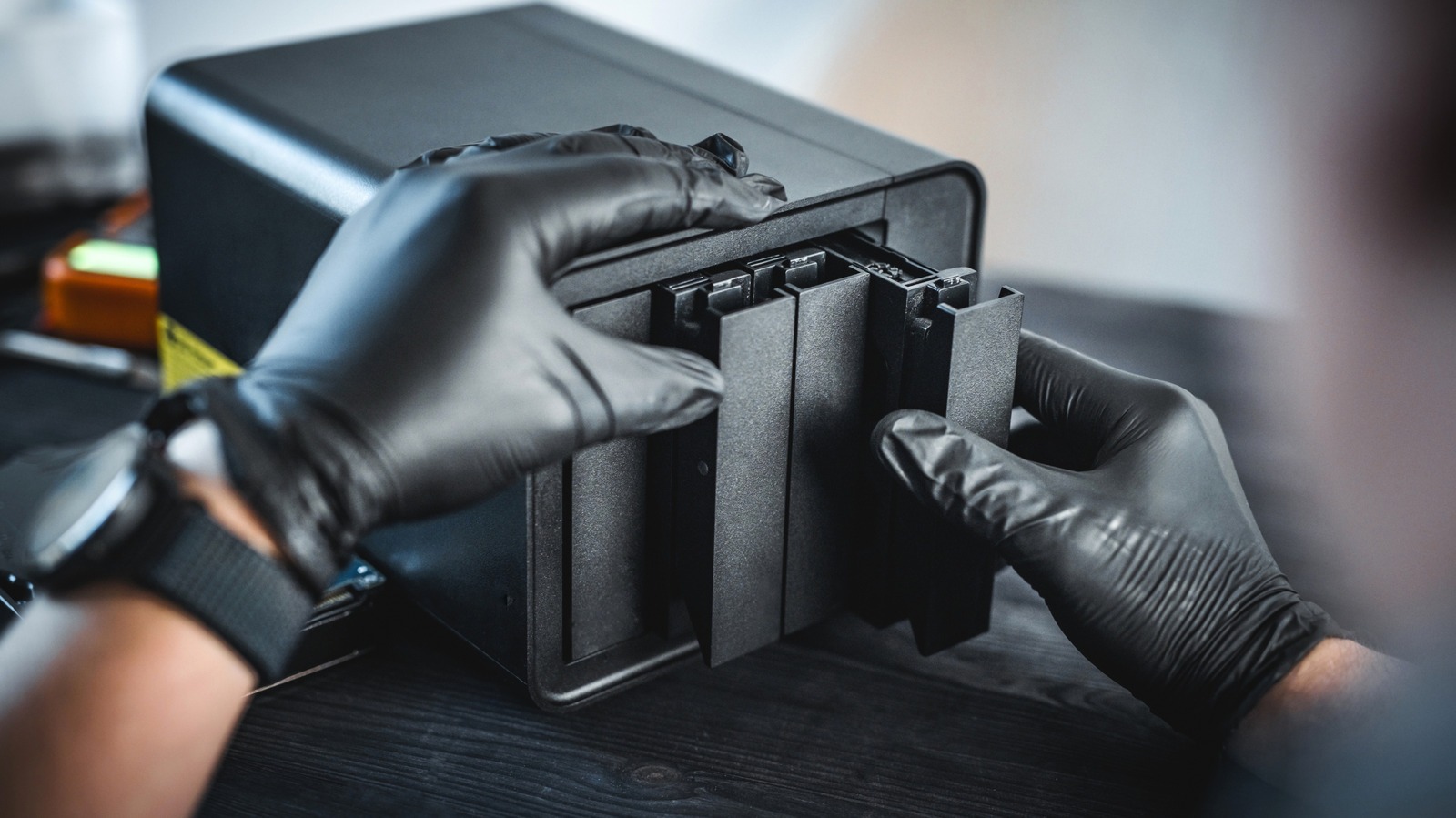
The Dell OptiPlex 7050 Microconverts an ultra-compact desktop chassis into a low-power, dedicated home server for streaming personal digital media and securing family file archives. Available for $149 USD on Amazon in refurbished condition, this compact micro PC targets budget-conscious households looking to eliminate recurring cloud storage fees and consolidate escalating streaming service expenses into a single owned hardware system.
🛒 Where to Buy: Dell OptiPlex 7050
Editorial Note & Product Verification: The Cool Great Buys editorial desk independently verifies manufacturer technical specifications, cross-checks active retail availability across authorized sellers, and evaluates verified consumer reliability data before publishing product evaluations. All featured prices and promotions reflect active market rates at the time of publication.
- Dell OptiPlex 7050: View on Amazon
Click the link above to check current pricing, availability, and customer reviews on Amazon.
State of the Category & What Changed
For the average family, monthly software utility expenses have quietly ballooned over the last several years. Between paying $2.99 USD to $9.99 USD per month for personal cloud backup tiers across multiple family devices and keeping up with half a dozen video platforms, recurring digital access fees can easily clear $500 USD annually. According to recent tech reporting on how building a cheap home server saves money, households are increasingly looking for practical off-ramps to curb subscription bloat. There are a lot of them competing for your monthly budget, and price hikes across commercial cloud ecosystems are driving interest back toward local hardware ownership.
What changed the market dynamic is the massive influx of enterprise-grade micro PCs entering the secondary refurbish market at severe discounts. Five years ago, setting up home network storage meant buying an expensive proprietary network-attached storage chassis or running a loud, power-hungry full-size desktop tower in the closet. Today, ultra-small-form-factor units like the Dell OptiPlex 7050 Microdeliver quad-core processing, hardware-accelerated video decoding, and sub-15W idle power consumption for a small fraction of their original enterprise list price. Combined with accessible, free server management software, hardware that once handled routine office spreadsheets is now fully equipped to serve as a high-speed private cloud for a normal household.
Repurposing small desktop hardware or exploring what to do with old PCs allows buyers to capture enterprise reliability without taking on enterprise costs. Rather than paying endless rental fees for virtual storage lockers, spending a single modest upfront payment yields a physical machine that sits silently on a desk, controls your private files, and runs continuous media streaming for every screen under your roof.
Generational Delta: The Engineering Upgrades That Matter
Comparing an ultra-compact desktop chassis like the Dell OptiPlex 7050 Microto traditional mid-tower builds reveals major gains in power efficiency and physical footprint. The core engineering triumph of the 1-liter micro PC standard is packed into a shell measuring roughly 7.2 x 7.0 x 1.4 inches. Older legacy towers pulled between 60W and 120W while idling, which translated to significant electricity costs when left turned on 24 hours a day, 7 days a week. The 7050 Micro, powered by an efficient Intel Core i5-7500T processor, routinely idles between 9W and 14W. In plain English, that keeps the annual electric expense of running this machine non-stop down to around $15 USD to $20 USD per year based on average utility rates.
The hardware feature that matters most for media server workloads is the integrated Intel HD Graphics 630 silicon, featuring Intel QuickSync technology. QuickSync handles real-time video transcoding natively in silicon rather than burning through pure CPU clock cycles. When streaming home video content or archived digital movies to smartphones, tablets, or remote smart TVs that require different resolution containers, QuickSync smoothly handles multiple simultaneous 1080p transcodes without pegging system memory or pinning CPU thermal thresholds. The internal layout accommodates a high-speed M.2 NVMe PCIe SSD for the primary operating system alongside a dedicated 2.5-inch SATA drive bay, allowing users to separate the quick OS boot partition from a high-capacity bulk storage hard drive or SSD.
The thing the product page buries in the footnotes is the distinction between desktop-class socketed chips and soldered mobile processors. Because the 7050 Micro utilizes a standard LGA 1151 motherboard socket paired with a 35W TDP chip, the processor and DDR4 SODIMM RAM (expandable up to 32GB) remain fully user-replaceable. If a RAM stick fails or you decide to step up internal system memory down the road, you can pop off the tool-less top chassis cover with a single thumbscrew and swap components yourself within two minutes without buying a whole new system.
Everyday Usability Trade-Offs & Adoption Barriers
While an enterprise micro desktop makes an outstanding, budget-friendly home server, buyers should understand the physical trade-offs involved before buying. The most significant limitation is drive bay availability. Unlike dedicated multi-bay NAS hardware designed with drive sleds, the micro chassis cannot fit multiple 3.5-inch mechanical hard drives inside its case. If your household storage plan requires tens of terabytes of mirrored disk redundancy, you will need to attach an external multi-bay USB 3.0 hard drive enclosure or rely on high-capacity external drives. USB multi-drive setups work reliably over 5Gbps USB 3.1 Gen 1 ports, but they do add physical clutter and extra power bricks to your setup shelf.
Software deployment also presents a minor learning curve for non-technical users. While platforms like media servers like Plex, Jellyfin, and OpenMediaVault feature polished web-based dashboards for daily operation, initial setup requires downloading an ISO image to a USB flash drive, adjusting basic BIOS settings, and configuring local network permissions. It is not overly complex, but it lacks the streamlined setup routine of an off-the-shelf consumer appliance. Furthermore, small 65mm cooling fans inside mini PC enclosures can produce a faint high-pitched whine under sustained heavy workloads, meaning the machine is best placed near your home router or in an office corner rather than directly beside a bedroom television.
From a strict total-cost-of-ownership perspective, the practical financial payback remains overwhelming for families. Running a local machine eliminates the need for 2TB cloud storage plans across multiple accounts (saving roughly $120 USD per user annually) while providing a centralized target for computer image backups. Factor in trimming down two redundant streaming platform tiers by organizing a private media collection via the creation of a home server, and the initial $149 USD system hardware cost typically pays for itself within six to eight months of real-world use.
Category Alternatives and Rival Solutions
For buyers analyzing the home server landscape, dedicated network appliances and newer low-power mini PCs represent the two primary competing paths. Evaluating overall system capabilities against your technical comfort level and budget helps clarify which hardware approach fits your household best.
The Synology DiskStation DS224+costs $299 USD on Amazon for the unpopulated enclosure, requiring users to purchase internal drives separately. It features a dual-bay hot-swappable drive design, an Intel Celeron J4125 quad-core processor, and two 1GbE LAN network interfaces. The primary advantage of the DS224+ is its proprietary DiskStation Manager operating system, which provides a refined user experience, automated cloud synchronization tools, and mobile photo backup applications right out of the box. However, it costs double the upfront price of a refurbished desktop PC before adding storage drives, and its fixed mobile processor offers less compute performance for heavy multitasking or computational server containers.
Alternatively, the Beelink S12 Pro Mini PCretails for $169 USD on Amazon and provides a brand-new hardware architecture built around the Intel N100 processor (Alder Lake-N). With a thermal design power of just 6W, 16GB DDR4 RAM, and a 512GB M.2 SSD included, the Beelink offers low electricity consumption and hardware support for modern AV1 video decoding. The trade-off comes down to long-term chassis durability and component flexibility. While the Beelink features an ultra-efficient chip, its lightweight plastic construction and single internal SATA drive expansion slot offer less physical upgradeability than a refurbished enterprise-grade Dell machine designed for 24/7 business office lifecycles.
Final Trajectory Verdict: Future Outlook & Buying Advice
The practical value proposition of building a home server with low-cost desktop hardware has never been stronger. As commercial streaming platforms continue to raise monthly rates, restrict home sharing access, and alter content availability, establishing an independent local media server puts financial control back into the hands of the household. Combined with the rising price of commercial cloud backup tiers, repurposing accessible micro-desktop hardware provides an immediate return on investment for families willing to complete a basic weekend software setup project.
For budget-focused households looking to maximize utility per dollar, buying a refurbished micro desktop like the Dell OptiPlex 7050 Microfor $149 USD on Amazon is a practical, high-value move. Its solid metallic construction, low power draw, low-cost replacement parts, and built-in hardware transcoding capability deliver a private media hub and file archive that will serve your home reliably for years without asking for a monthly subscription fee.