

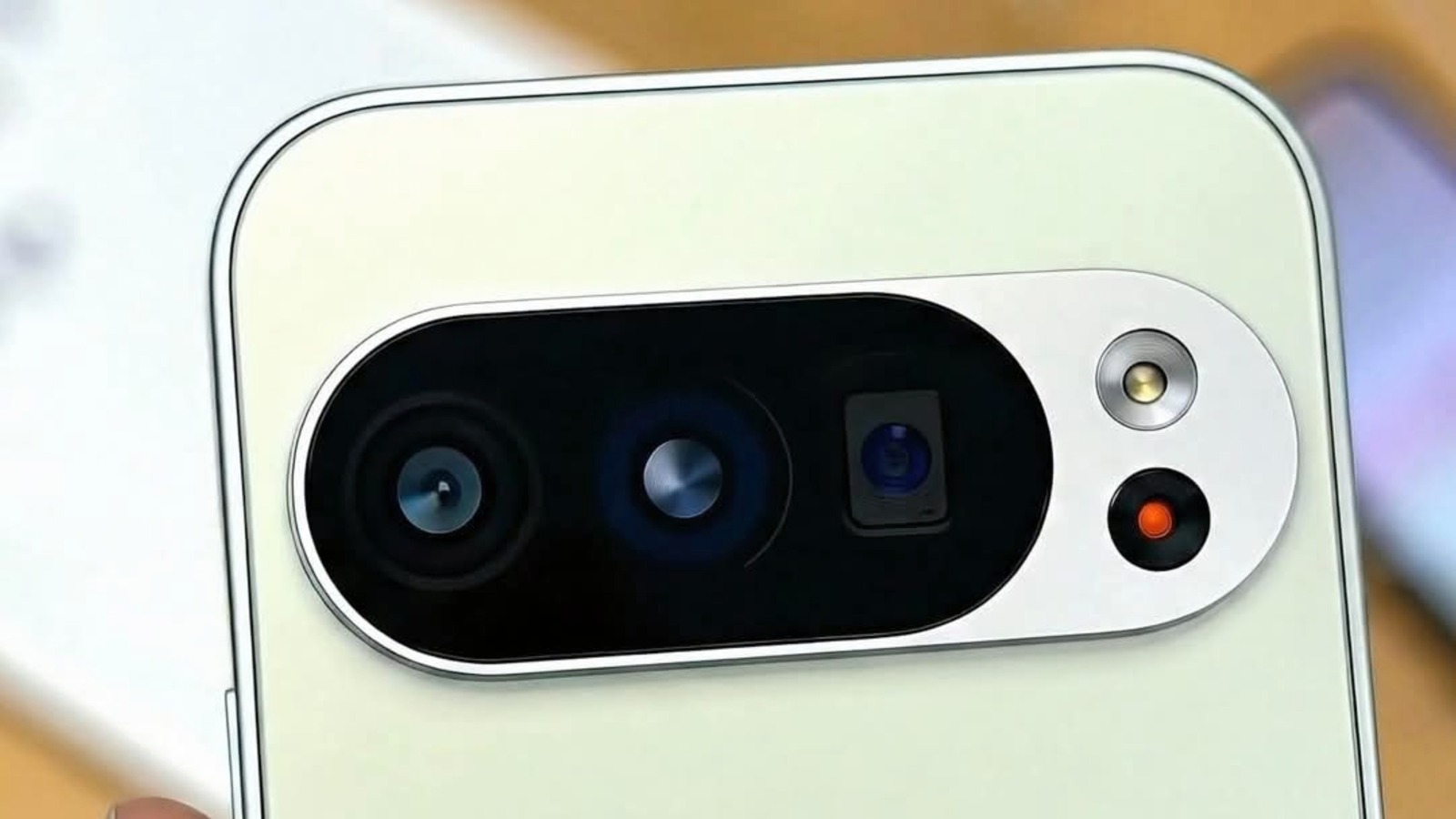
🛒 Where to Buy: Google Pixel 8
- Google Pixel 8: View on Amazon
Click the link above to check current pricing, availability, and customer reviews on Amazon.
Google has finally enabled display output over USB-C on the Pixel 8, Pixel 8 Pro, and Pixel 8a via the latest March Pixel Feature Drop. On paper, this sounds like the long-awaited arrival of a true Google desktop mode capable of turning your pocket smartphone into a functional workstation. In practice? The short answer is: don’t toss your Chromebook or Windows laptop out the window just yet.
For years, Android power users watched Samsung owners plug their Galaxy phones into cheap USB-C hubs and instantly get DeX — a full-fledged desktop interface with a taskbar, resizable floating windows, and keyboard shortcut navigation. Google, meanwhile, disabled DisplayPort Alternate Mode in hardware firmware on previous Tensor generations, forcing users onto sluggish Chromecast streaming. With the March update, Google finally flipped the switch on the Tensor G3’s physical video controller. But what you actually see when you plug a monitor in tells a very different story from what marketing slides suggest.
The Problem and Hardware Purpose
The core problem Google is trying to address is hardware convergence. When you spend $699 USD on a baseline Pixel 8 or $999 USD on a Pixel 8 Pro, you are carrying around 8GB to 12GB of LPDDR5X RAM, a high-speed UFS 3.1 storage controller, and a Tensor G3 chip with plenty of multi-threaded compute power. For everyday tasks like document editing, email triage, spreadsheet management, and web browsing, your phone is mathematically faster than the Intel Celeron and Pentium laptops still sitting in hotel business centers and classroom desks.
Yet without DisplayPort Alternate Mode enabled over the physical USB 3.2 Gen 2 Type-C port, that compute muscle remained trapped behind a 6.2-inch OLED panel. The hardware purpose of this March Pixel Feature Drop is straightforward: enable pure plug-and-play video mirroring over standard USB-C to HDMI adapters or direct Type-C monitor cables, giving Pixel owners immediate access to external displays without relying on high-latency Wi-Fi screen casting.
However, the gap between simple screen mirroring and an authentic desktop productivity workspace is where user expectations collide with reality. Enabling the video PHY is a physical hardware unlock; delivering a coherent window management architecture is a software engineering problem that Google has only partially solved in this initial release.
Engineering Architecture & How It Works
Under the hood, the Pixel 8’s USB-C port supports USB 3.2 Gen 2 with DisplayPort 1.4 Alternate Mode. When you attach a compatible display, the Tensor G3’s display pipeline reallocates physical high-speed differential pairs on the Type-C connector from standard USB data transmission to DisplayPort video signaling. This allows the phone to transmit uncompressed 1080p and 4K video feeds at 60Hz with negligible input latency.
According to technical documentation published with this update, standard out-of-the-box behavior defaults to raw mirror mode: whatever is rendered on your phone’s portrait screen is letterboxed onto the external landscape monitor. To access the actual desktop mode interface, users must navigate deep into Developer Options and manually toggle two specific flags: “Force desktop mode” and “Enable freeform windows.”
Once toggled, reconnecting the external monitor prompts a lightweight desktop canvas. Android renders a horizontal taskbar at the bottom of the screen, complete with a basic app drawer launcher on the left and standard status icons (battery, Wi-Fi, time) on the right. Applications open in floating rectangular viewports that can be moved around the canvas using a connected Bluetooth mouse or keyboard trackpad. The phone screen itself continues to function independently, allowing you to run a dedicated messaging app on the mobile display while keeping a browser open on the monitor.
Real-World Performance Reality
Connect a Pixel 8 Pro to a 4K external monitor, pair a Logitech Bluetooth keyboard and mouse, and start opening productivity apps. The initial thirty seconds feel genuinely impressive: Google Chrome opens swiftly, rendering full desktop web layouts without defaulting to cramped mobile stylesheets. You can draft an email in Gmail, check Slack notifications, and stream 1080p YouTube video side-by-side without Tensor G3 stuttering.
Then the rough edges appear, and they appear fast. The most glaring issue is window management: resizing floating windows often causes third-party apps to crash or reload their entire layout from scratch. Because most Android developers design their app activities for fixed smartphone aspect ratios, stretching an app window horizontally frequently leaves vast stretches of blank white space with buttons shoved into unreachable corners. Keyboard shortcuts are hit-or-miss; standard combinations like Alt-Tab work reliably, but browser tab management shortcuts and text-selection bindings behave inconsistently across non-Google apps.
Thermal management is another physical reality you cannot ignore. Driving an external 4K monitor at 60Hz while powering the phone’s internal display and running active network threads pushes Tensor G3 thermals upward rapidly. Within twenty minutes of continuous productivity workloads, the back glass of the Pixel 8 becomes noticeably warm, and charging rates drop to prevent battery overheating. Without a powered USB-C hub that supplies active Power Delivery pass-through charging, driving an external display drains the phone battery at roughly 18% to 22% per hour.
Competitive Landscape: Named Rivals Compared
To understand where Google’s desktop mode stands, we have to look directly at Samsung DeX. Samsung has spent nearly seven years refining DeX into an enterprise-grade desktop environment. On a Galaxy S24 Ultra or Fold 5, plugging into an external display launches a custom One UI desktop shell with full multi-window snapping, persistent window coordinates across disconnects, seamless audio routing controls, and customized desktop versions of Microsoft 365 apps. Compared to DeX, Google’s developer-flag desktop mode feels like a rough developer prototype rather than a finished consumer feature.
Motorola’s Ready For platform is another direct benchmark that outclasses Google’s current implementation. Motorola provides dedicated desktop, gaming, and video chat modes with clean UI scaling, virtual trackpad functionality on the phone screen, and polished wireless PC integration. Google’s solution lacks basic window snapping gestures — you cannot drag a window to the left edge of the screen to snap it to 50% width like you do on Windows 11, macOS, or Samsung DeX.
Where Google does hold an advantage is purity of the Android codebase. Because this desktop mode framework is built directly into Android 14 and Android 15 core AOSP sources, improvements made here will eventually standardize desktop windowing across all Android manufacturers. When Android 15 officially rolls out revamped multi-window APIs, Pixel hardware will serve as the reference standard.
Final Buyer Recommendation: Practical Value Decision
The March Pixel Feature Drop finally checks a massive hardware checkbox that should have been enabled on day one: Pixel 8 devices can finally output video over USB-C. If you frequently give slide presentations in conference rooms, want to watch downloaded Netflix movies on a hotel TV using a simple HDMI cable, or need to review photos on a large screen without Wi-Fi pairing headaches, this update is a genuine quality-of-life win.
However, if you are buying a Pixel 8 under the impression that it will replace your laptop with a seamless Samsung DeX-style desktop workstation, hold your horses. The underlying desktop mode remains an experimental developer utility with awkward window resizing, thermal throttling under sustained loads, and inconsistent app scaling. It is a promising glimpse of where Android is heading in 2026, but right now, keep your laptop in your bag.